System Settings
Feren OS’s System Settings application allows you to change most settings in your system. It can be found at .
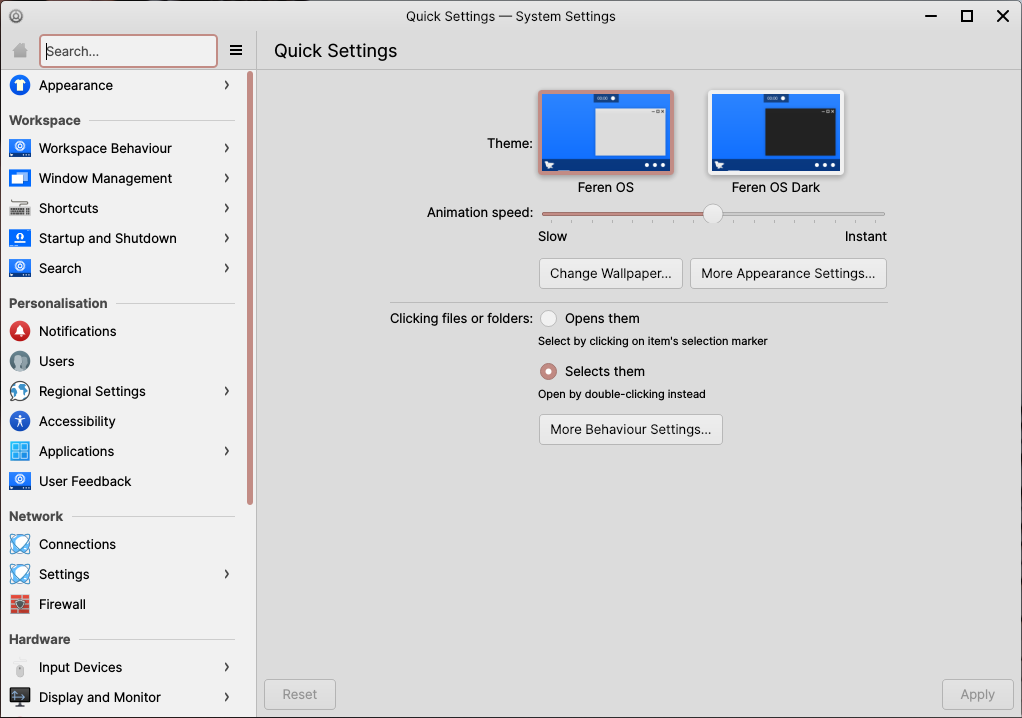
System Settings
The sidebar on the left provides access to all the categories of, and pages in, System Settings.
Upon being opened, on the right you will find Quick Settings - Quick Settings provides quick access to commonly modified settings, and will, upon further usage of System Settings, provide shortcuts to the pages of System Settings you visit most.
External Settings
There are some settings that currently reside outside of System Settings, under the following applications:
Input Method - change your current Input Method (only necessary for certain languages on your system)
Languages - manage and set your system’s default languages and regions
Login Window - change Login Screen settings such as the look and feel of the Login Screen, autologin and more