Removing or downgrading foreign packages
If you ever install packages from external places on the internet, or have packages still installed from 3rd-party sources that you have since removed, System Maintenance can find these packages and either remove or downgrade them from your system.
System Maintenance can be found at . When in System Maintenance, click the Options tab at the top of the window.
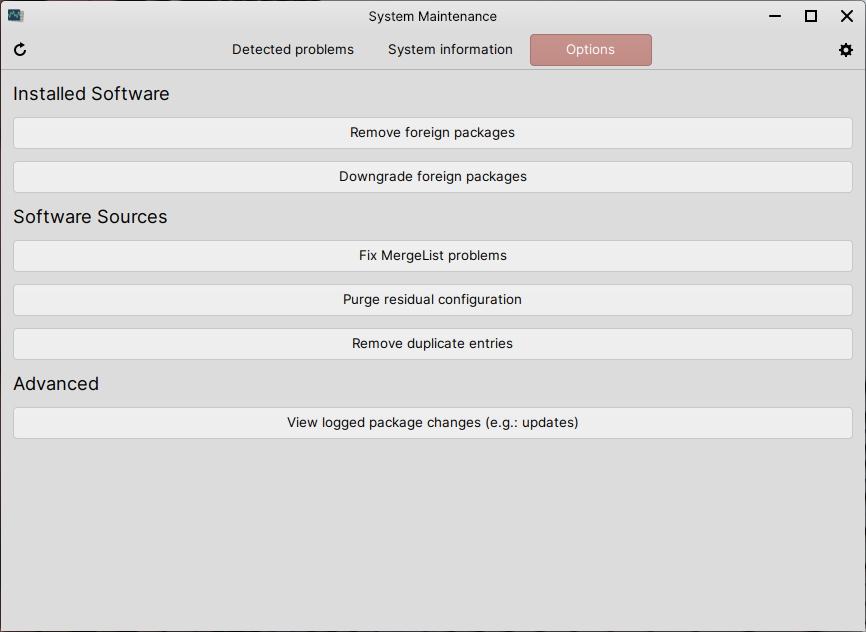
Once you’re done with the task you want to do below, feel free to close System Maintenance.
Removing foreign packages
Click the Remove foreign packages button, wait a while for a new window to open, select the foreign packages you would like to remove from the list shown in that new window and then click Remove to remove those selected packages.
Downgrading foreign packages
Click the Downgrade foreign packages button, wait a while for a new window to open, select the foreign packages you would like to downgrade from the list shown in that new window and then click Downgrade to downgrade those selected packages.