Bottles
Bottles is a general-purpose Microsoft Windows program manager that provides a game launcher installation experience made by the community.
You can get Bottles right from the Store. To find it in Store, do the following:
Open Store
Go to the Flatpak category
Select Bottles
Click Install on the Bottles page in Store
Hint
Can’t find Bottles in the applications listed? Just use the search bar at the top right to search for it instead.
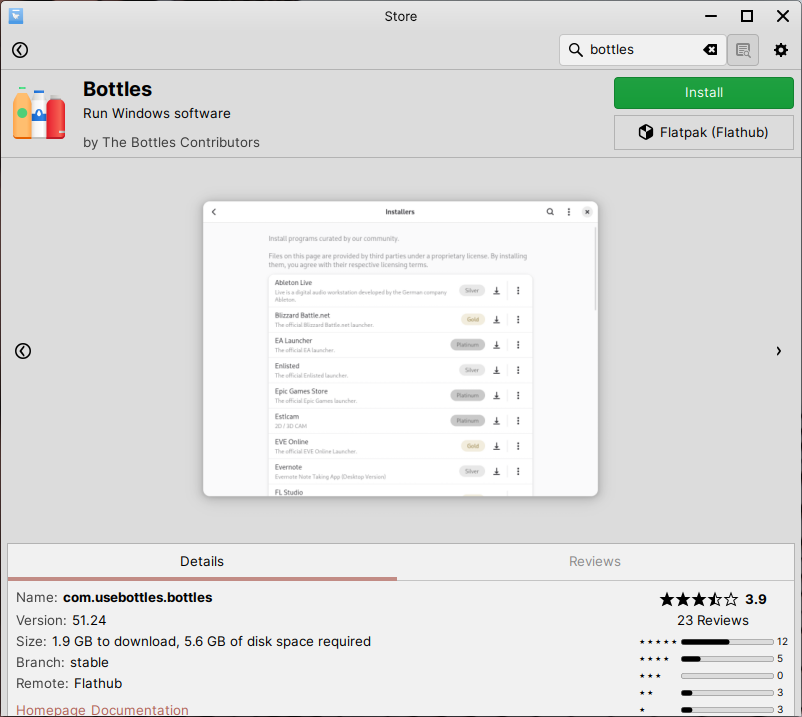
Bottles in Store
Getting help with Bottles
You can get help with using Bottles from the following websites: