Microsoft Windows 8.1, 8, 7 or Vista
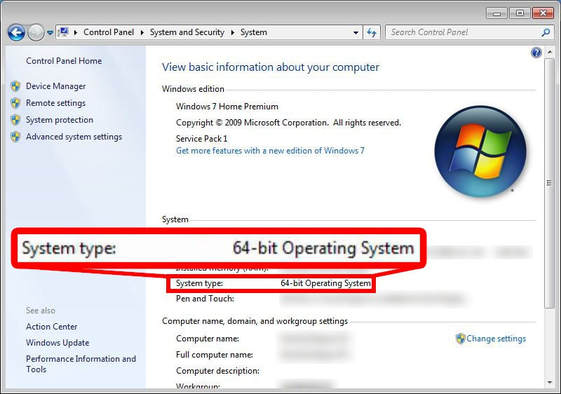
To find out the architecture of your system, go into . From there look for a label saying System type.
If the label says “64-bit Operating System”, you’re good to go! You can download Feren OS for your machine.
If the label says “32-Bit Operating System”, Feren OS is likely not compatible with your machine - you can still attempt to download Feren OS, however it may fail to boot and instead tell you This kernel requires an x86-64 CPU, but only detected an i686 CPU.